Aviator
Spribe
Play
Match the full game title with its provider before choosing an entry.

The 1GO Plus catalogue includes titles from Spribe, JILI, JDB, Evolution and INOUT. Start with the full game name and its provider. Matching both helps distinguish versions with similar artwork or names.
The All Games view includes All Games, New, Recent and My Fav labels, plus Type and Providers controls. Use the catalogue’s own labels to choose a browsing route. “New” is a view in that interface; it does not give a release date for every title below it.
The wider lobby separates Table Game, Slots, Live, Fishing, Crash and Lotto. If you know only the sort of game you want to inspect, begin with the category. If you recognise its maker, use the provider information to narrow the choice.
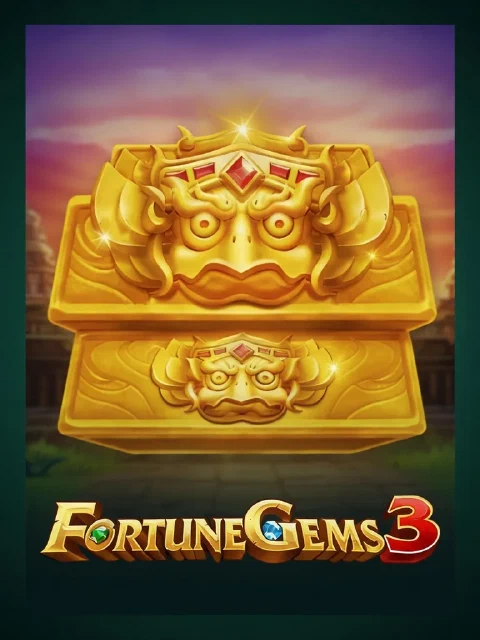
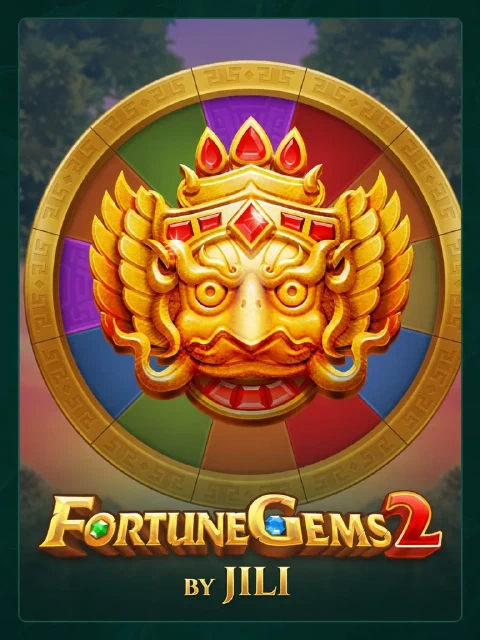
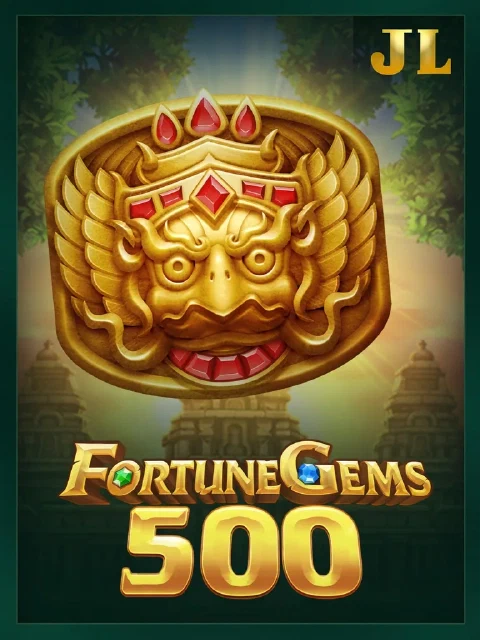
A supplier can have several titles in the same catalogue. Finding JILI, for example, does not identify which Fortune Gems version you have opened. Check the complete title again on the game’s own opening screen before using any information about it.
Find the provider for each game below. Game availability can vary by account and location.
| Game title | Provider |
|---|---|
| Aviator | Spribe |
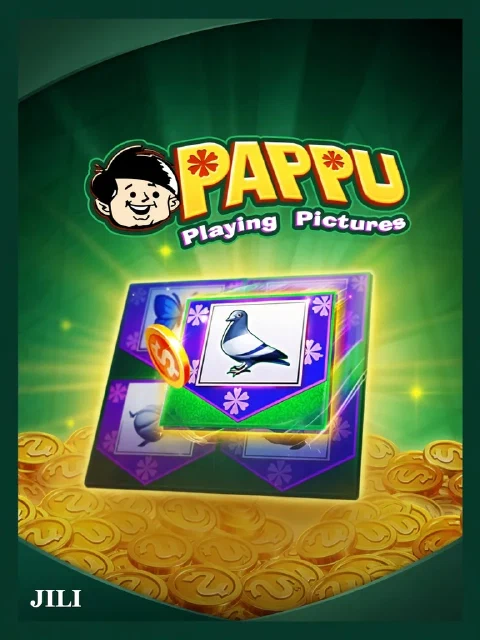
| Pappu | JILI |
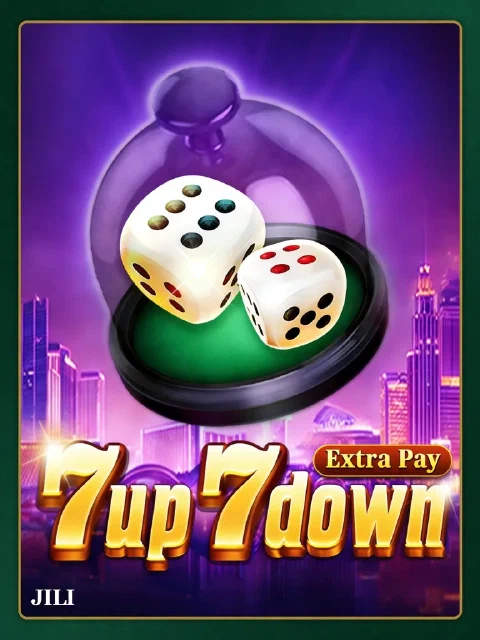
| 7 UP 7 DOWN | JILI |
| Fortune Gems 3 | JILI |
| Piggy Bank | JDB |
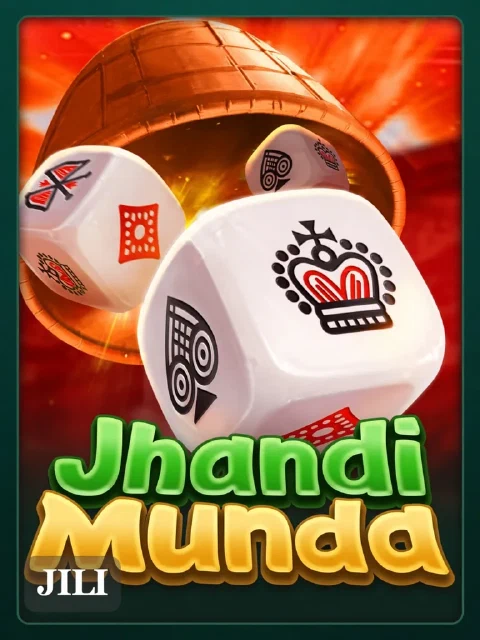
| Jhandi Munda | JILI |
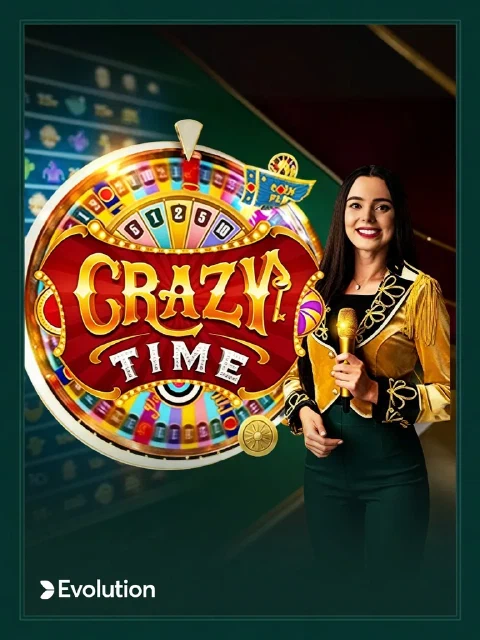
| Crazy Time | Evolution |
| Fortune Gems Legend | JILI |
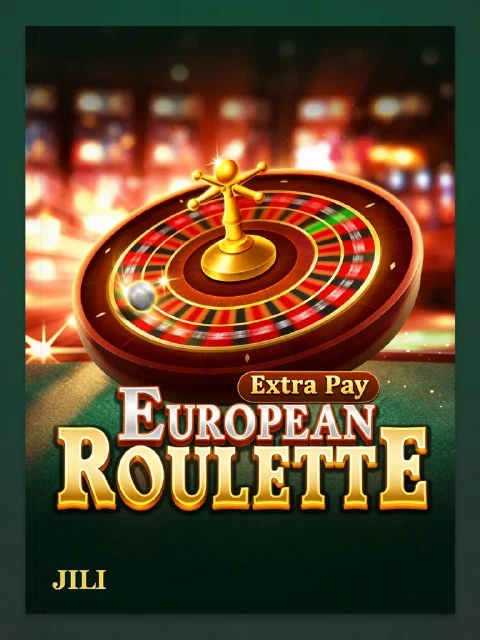
| European Roulette | JILI |
| Chicken Road 2 | INOUT |
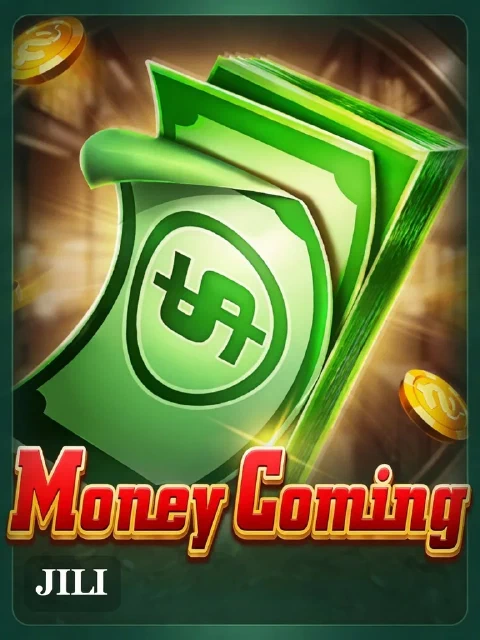
| Money Coming | JILI |
| JackPot Fishing | JILI |
Fortune Gems 2, Fortune Gems 3 and Fortune Gems Legend appear as separate catalogue titles. Rules or features described for one should not be carried over to another simply because the names share “Fortune Gems”. The same care applies to numbered releases such as Chicken Road 2.
A title and provider identify what to inspect next. They do not establish a return-to-player figure, a maximum win, stake limits or a particular bonus feature. Use the rules shown inside that exact game for those details. If the name in an article and the name on the game screen differ, resolve the mismatch before relying on the article.
A game can lead to an account prompt rather than opening immediately. If that happens, use the ordinary sign-in route for an account you already hold. A “Play As Guest” label elsewhere in the interface does not, by itself, explain which games or actions are included in guest access.
Do not assume that a catalogue card is a playable demonstration. Check the game screen for the actual mode and any account or balance requirements. Sign-in help lists the visible access options. Check the game itself for any guest-access condition.
Before using a game, locate its rules, the value of the stake and the action that commits that stake. If any of those are unclear, stop at that point rather than learning through an unintended bet. A catalogue is a way to find a title; the game’s rules are where its operation is explained.
Displayed wins from other players do not set a budget for your session. Decide what you can afford to lose before playing, and do not extend that amount to chase a previous result. If you want to stop or spending is becoming difficult to control, use the responsible-gambling page instead of opening another title.
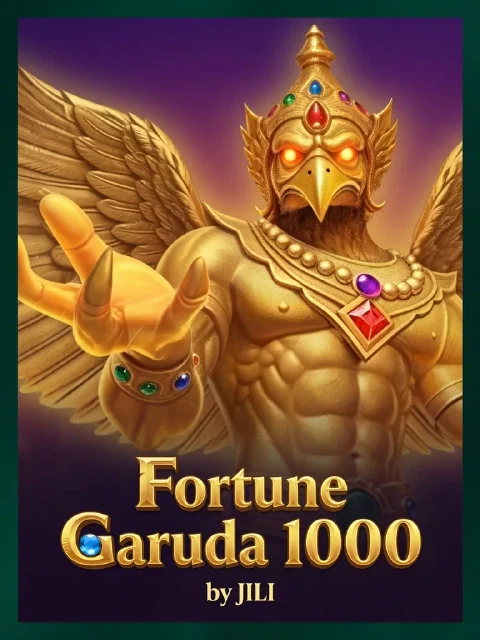
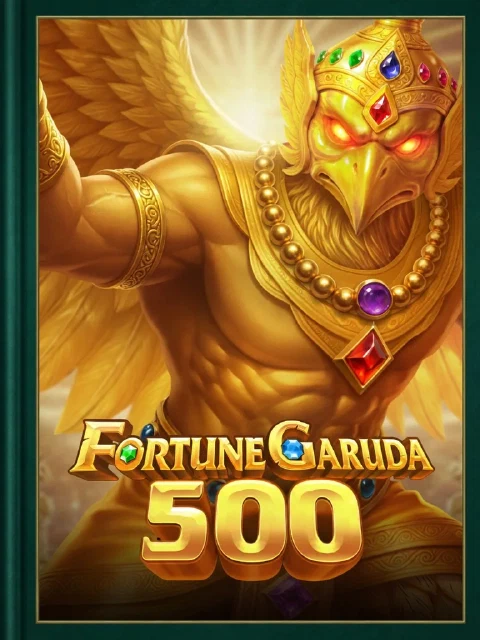
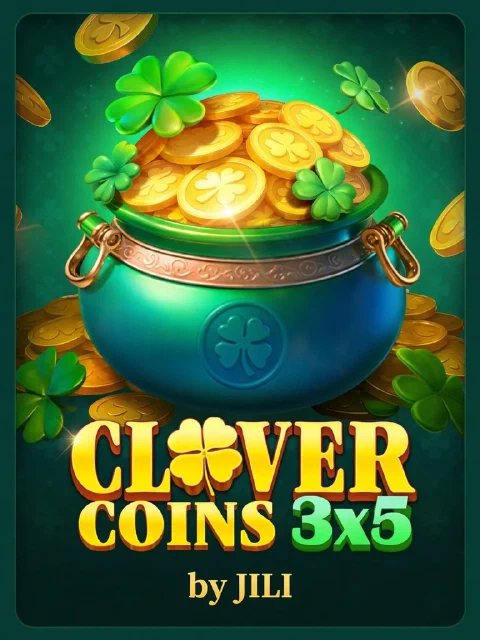
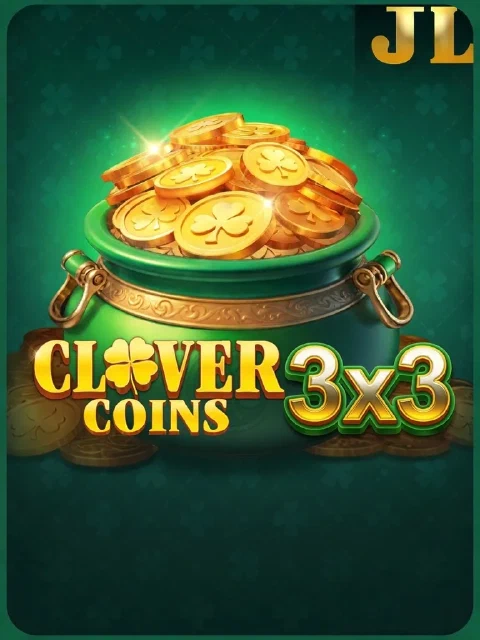
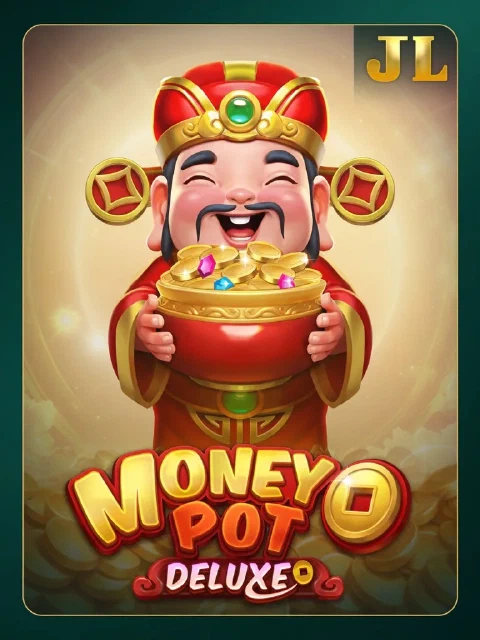
The cover gallery also distinguishes Money Coming from Money Coming 2, Clover Coins 3x3 from Clover Coins 3x5, and the numbered Fortune Garuda titles. Match the exact title on the game screen before using its rules. Artwork in the lobby identifies a displayed entry; it does not establish a playable demo, a return figure or access for every account.
No. The table identifies titles and providers; it does not compare winning chances or returns.
New is a catalogue-view label. It is not a release date for each listed title.
No. Check the game’s actual mode and account requirements on its opening screen.